
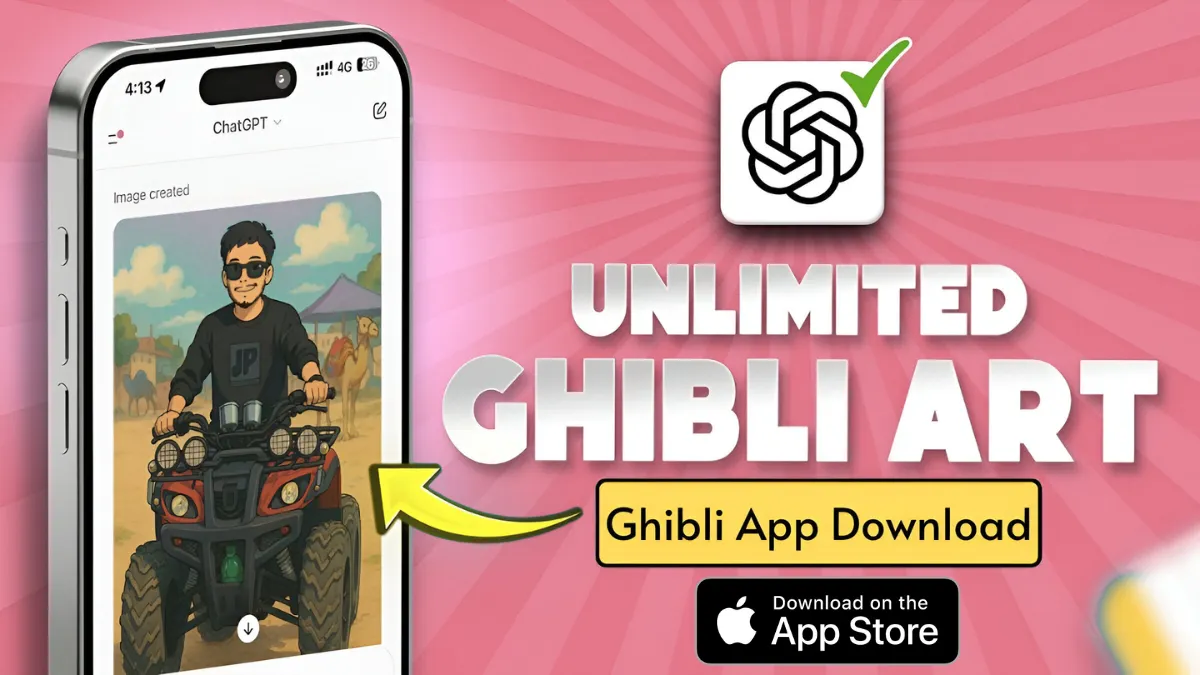
Want to step into the magical world of Studio Ghibli? Now you can with GhibliApp, a trending AI-powered tool that transforms your selfies and photos into enchanting, anime-style masterpieces inspired by Ghibli classics.
Whether you’re using Android or iOS, here’s a complete guide on how to download and use GhibliApp for free in 2025.
What is GhibliApp?
GhibliApp is a browser-based AI tool that uses deep learning to recreate the dreamy, soft-toned visuals seen in Studio Ghibli films like Spirited Away, Totoro, and Howl’s Moving Castle. From portraits to landscapes, the app adds whimsical elements and pastel tones that give your photos a Ghibli-style makeover.
How to Download GhibliApp on Android
GhibliApp doesn’t require installation via the Google Play Store. It works as a Progressive Web App (PWA)—meaning you can use it like an app but directly from your browser.
Steps to Download on Android:
- Open Chrome or your preferred mobile browser.
- Visit https://ghibliapp.in
- Tap the three-dot menu (⋮) on the top-right corner.
- Select “Add to Home screen”
- Confirm by tapping “Install”
The GhibliApp icon will now appear on your Android home screen just like a native app!
How to Use GhibliApp on Android
- Tap on the GhibliApp icon on your home screen.
- Upload a photo (portrait, pet, or landscape).
- Select your preferred Ghibli Filter:
- Totoro Forest Look
- Sky Castle Effect
- Ghibli Night Mode
- Wait a few seconds for the AI to process.
- Download your image or share it instantly on WhatsApp, Instagram, or Reels.
How to Use GhibliApp on iOS (iPhone/iPad)
Though currently optimized for Android and browsers, iPhone users can still use GhibliApp smoothly.
🍎 Steps to Use on iOS:
- Open Safari browser.
- Go to https://ghibliapp.in
- Tap the Share icon at the bottom of the screen.
- Scroll down and tap “Add to Home Screen”
- Name it “GhibliApp” and tap Add
You’ll now have a GhibliApp icon on your iOS home screen, making it easy to launch like a real app.
What Makes GhibliApp Free and Safe?
- ✅ No account signup required
- ✅ No hidden charges
- ✅ Doesn’t store personal data or images
- ✅ Works offline after first load (thanks to PWA tech)
It’s perfect for fans who want a lightweight, ad-free experience without downloading a heavy app from the store.
GhibliApp Tips & Tricks
- Use high-resolution images for sharper results
- Try nature backgrounds for a Totoro-style finish
- For anime-style PFPs, crop and adjust the final image before posting
- Revisit the site regularly for new Ghibli filter updates
Final Thoughts
Whether you’re an anime lover or just looking to try the latest AI trends, GhibliApp is a must-have tool for 2025. It brings Ghibli’s warmth and artistry into your photos without costing a single rupee.
Get started today by visiting GhibliApp.in and experience the magic in just one tap.
Read More:
- 6 Free Tools That Turn Your Photos Into Studio Ghibli Masterpieces (No Skills Needed!
- Behind the Scenes: How GhibliApp Uses AI to Create Magic
- Ghibli Art Image Prompts: Unlock the Whimsical World of Studio Ghibli-Inspired AI Creations
- New Photo Trend Ghibli App: Transform Your Pictures into Ghibli-Style Magic!
- Ghibli Art App Old Versions APK Download